





- Written by: admindigiroutes
- October 19, 2026
AI Video Creation for Digital Marketing
Short-form videos, Instagram Reels, YouTube Shorts and promotional videos are important formats for digital marketing. AI-powered editing tools can help marketers create engaging video content more efficiently.
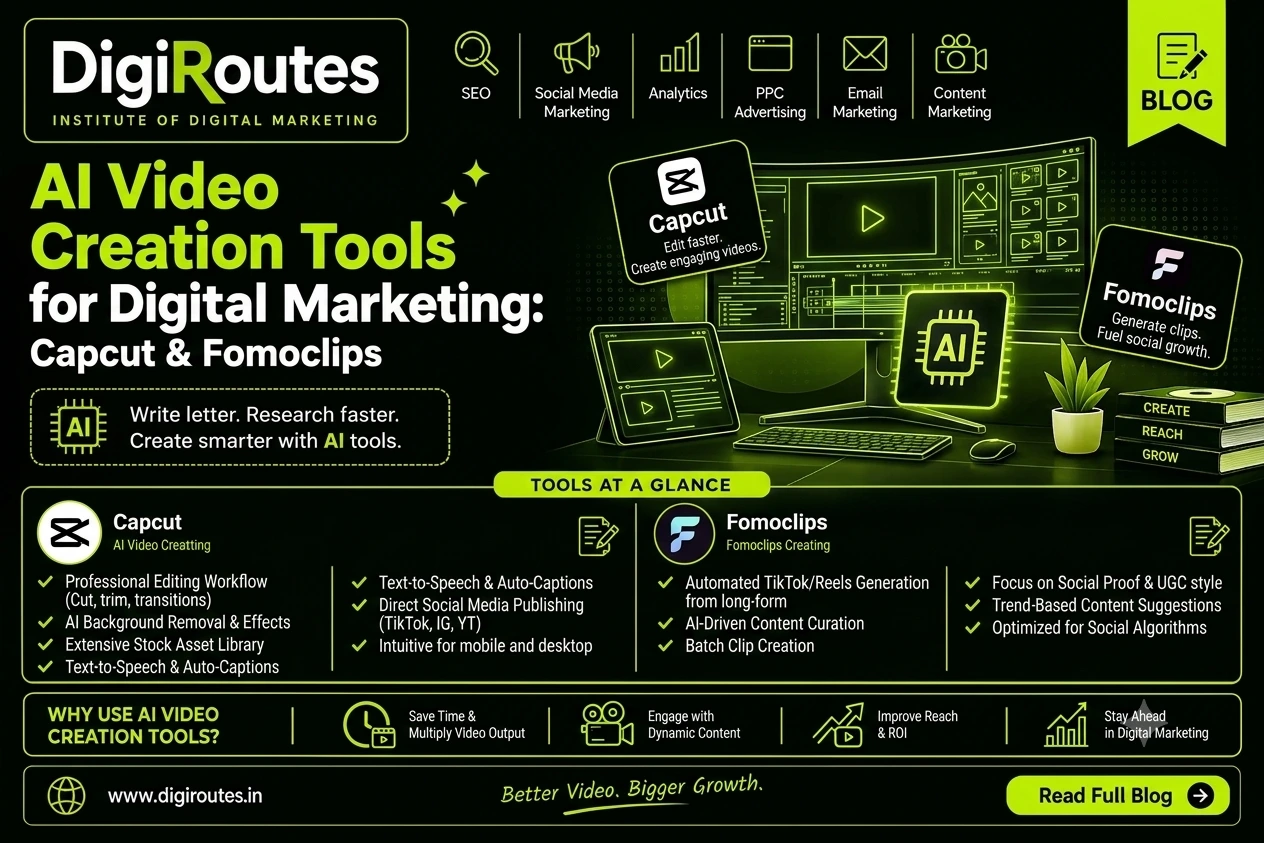
CapCut and FomoClips offer different approaches to video creation. CapCut focuses on video editing and AI-assisted content production, while FomoClips focuses on animated promotional videos and social media advertising creatives.
1. CapCut: AI Video Editing Made Easier
What is CapCut used for?
CapCut is a video editing platform with tools for creating and editing social media videos, advertisements, tutorials and short-form content.
How to use CapCut:
Visit CapCut.
Start a project and import your video clips.
Trim clips, add transitions, text and music.
Use available AI features, such as automatic captions or text-to-speech.
Review the video and export it in a suitable format.
Digital marketing applications:
Instagram Reels and YouTube Shorts
Product promotion videos
Video advertisements
Educational and tutorial content
Subtitles and voiceovers
Brand storytelling
Key benefit: CapCut combines editing tools and AI-assisted features to help creators produce polished videos for different platforms.
2. FomoClips: Animated Promotional Video Creation
What is FomoClips used for?
FomoClips is a video creation tool designed around animated promotional content and social media advertisements. Its official website describes features such as animated 3D characters and objects, multiple video formats, background removal and stock media.
How to use FomoClips:
Visit FomoClips.
Explore the available templates and video creation options.
Select a suitable format for your campaign.
Add product images, promotional text and visual elements.
Customize the animation and review the final video before publishing.
Digital marketing applications:
Animated social media advertisements
Product promotions
Promotional stories
E-commerce video creatives
Campaign visuals for businesses
Key benefit: FomoClips can help marketers develop animated promotional content without building every visual element from scratch. Check current feature availability and access terms before using it in a project.
SEO, AEO and GEO Tips for Video Content
To make video content more useful and discoverable:
Write descriptive video titles and descriptions.
Include relevant keywords naturally.
Add accurate captions and transcripts.
Use a clear opening hook and useful content.
Create a relevant thumbnail.
Embed videos on related website pages when helpful.
Add a clear CTA and track meaningful engagement.
AI editing alone does not guarantee rankings or virality. Content relevance, audience interest and quality remain essential.
Frequently Asked Questions
- What is CapCut used for in digital marketing?
CapCut helps marketers edit videos, create short-form content, add captions and produce promotional videos. - What is FomoClips used for?
FomoClips is designed to create animated promotional videos and social media advertising creatives using templates and visual assets. - Which tool is better for Instagram Reels?
CapCut is a useful choice for editing footage, adding captions and refining Reels. FomoClips may suit campaigns that require animated promotional visuals. - Can beginners learn AI video editing?
Yes. Beginners can start with basic trimming, text, captions and transitions, then progress to AI-assisted workflows and complete marketing projects.
Final Takeaway
CapCut and FomoClips can support different stages of video marketing. CapCut is useful for editing and enhancing videos, while FomoClips focuses on animated promotional creatives.
At DigiRoutes Institute of AI & Digital Marketing, students can learn how to combine AI tools, storytelling, video editing and marketing strategy to create content for social media, advertising and business promotion.


